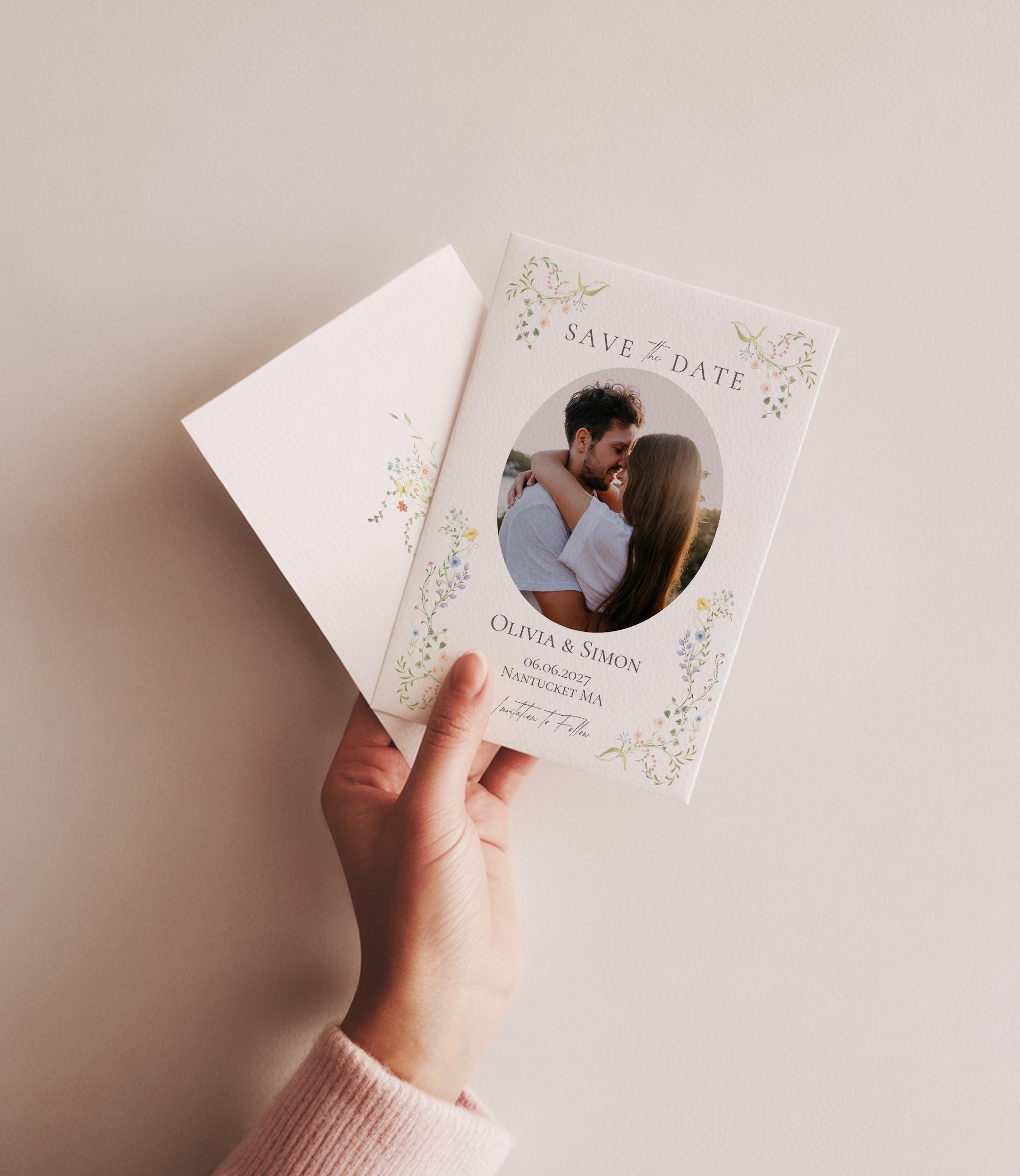
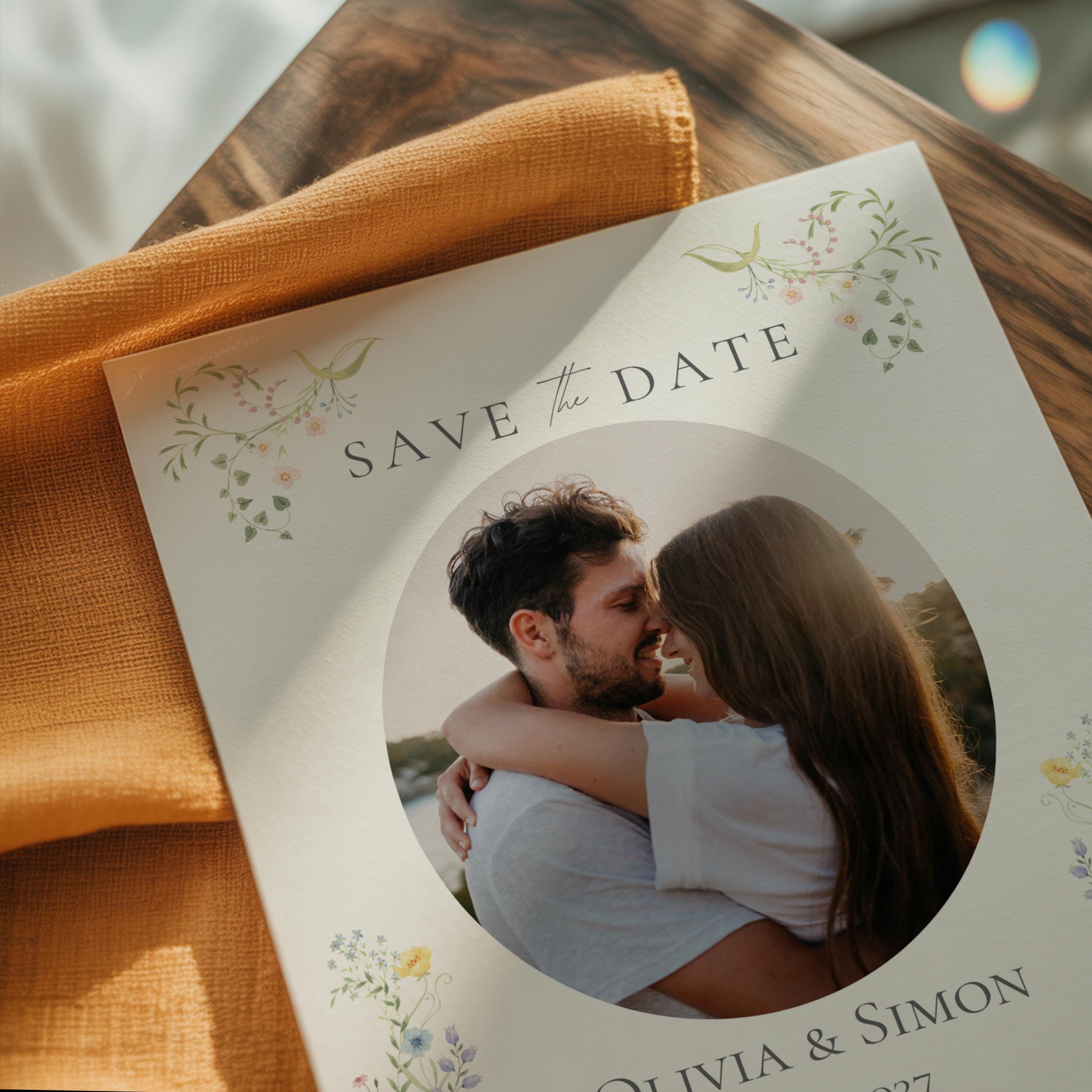
Editable Photo Save the Date | Hand Drawn Wildflower Floral Wedding Design | Canva Template (Digital Download)
$11.03
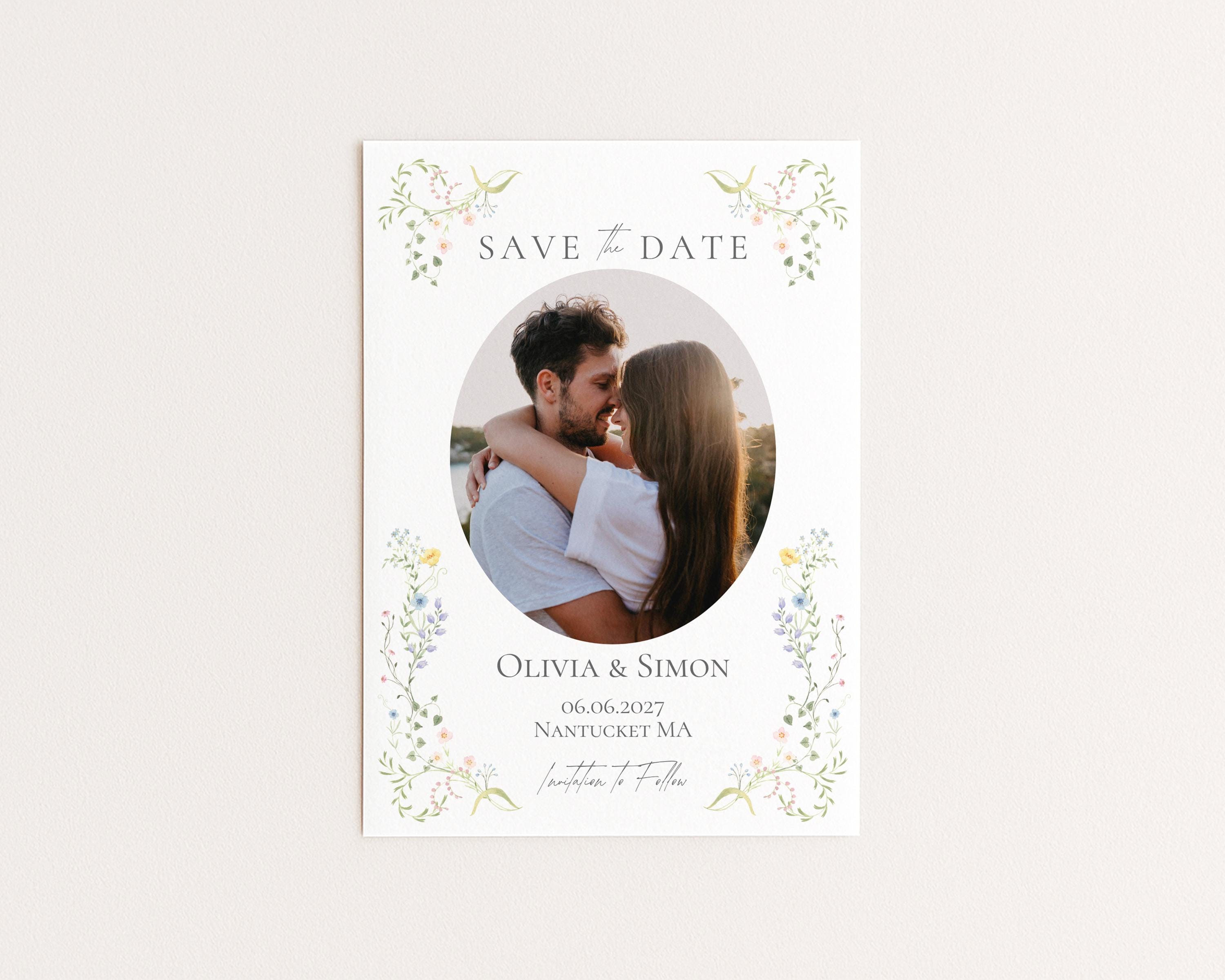
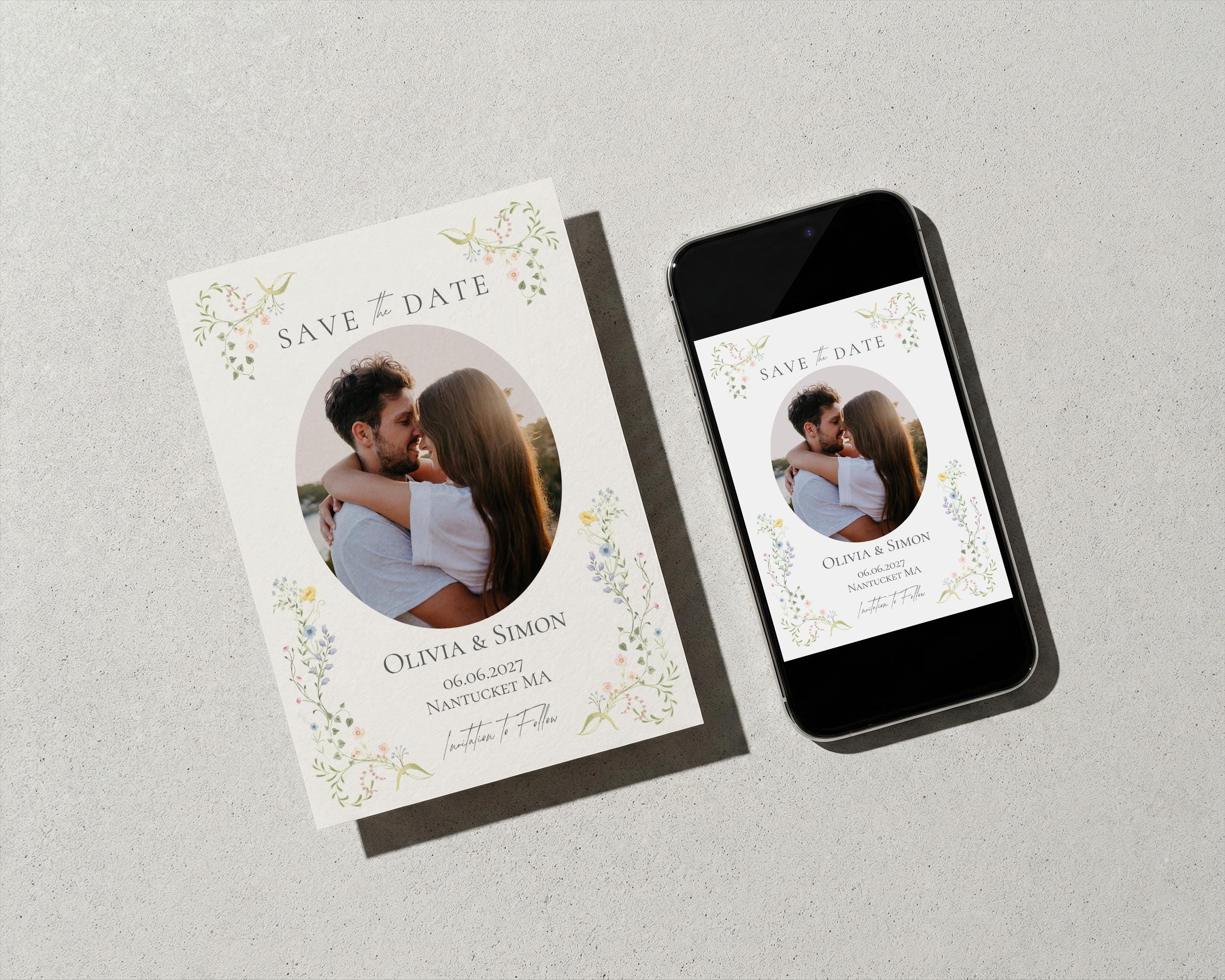
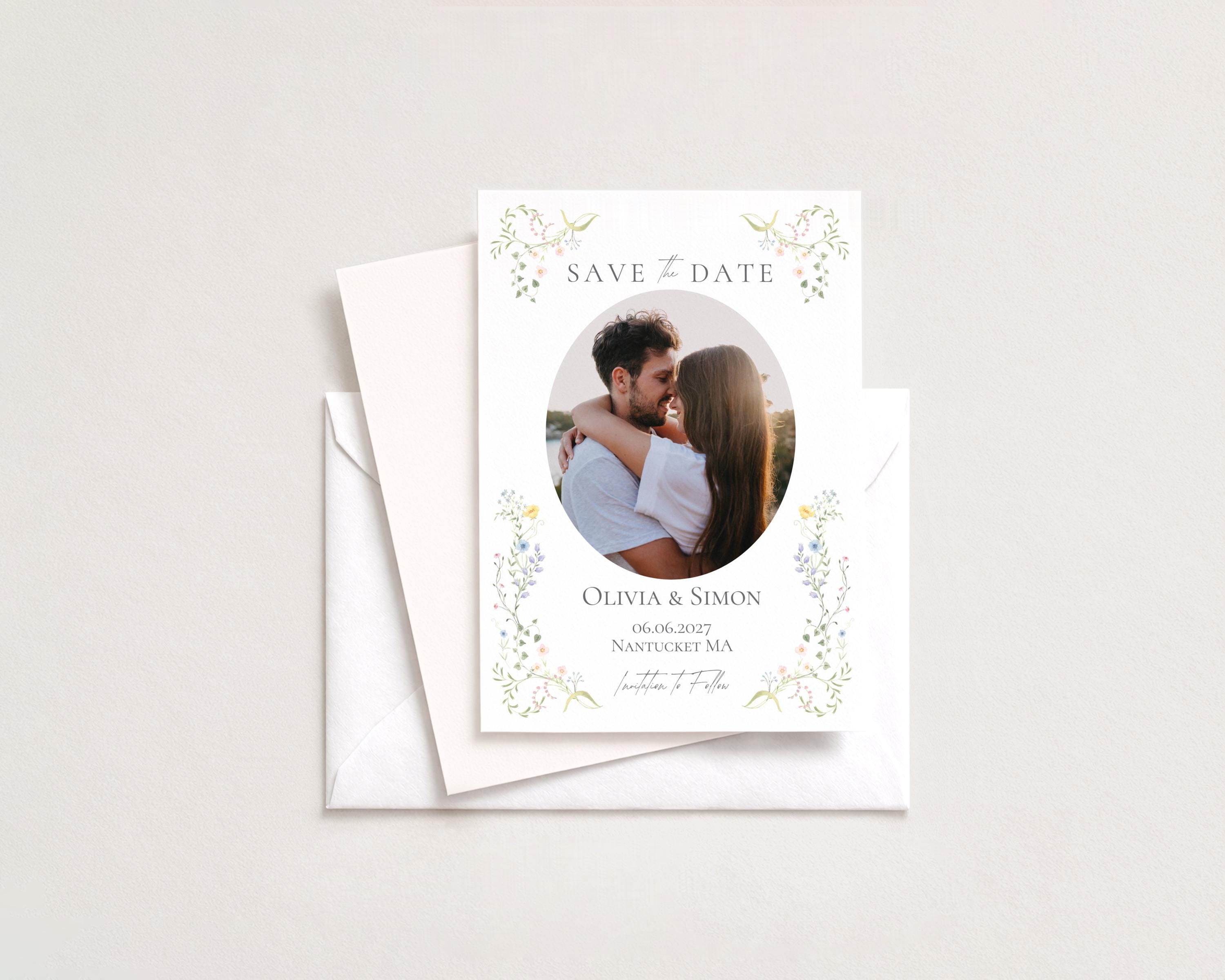
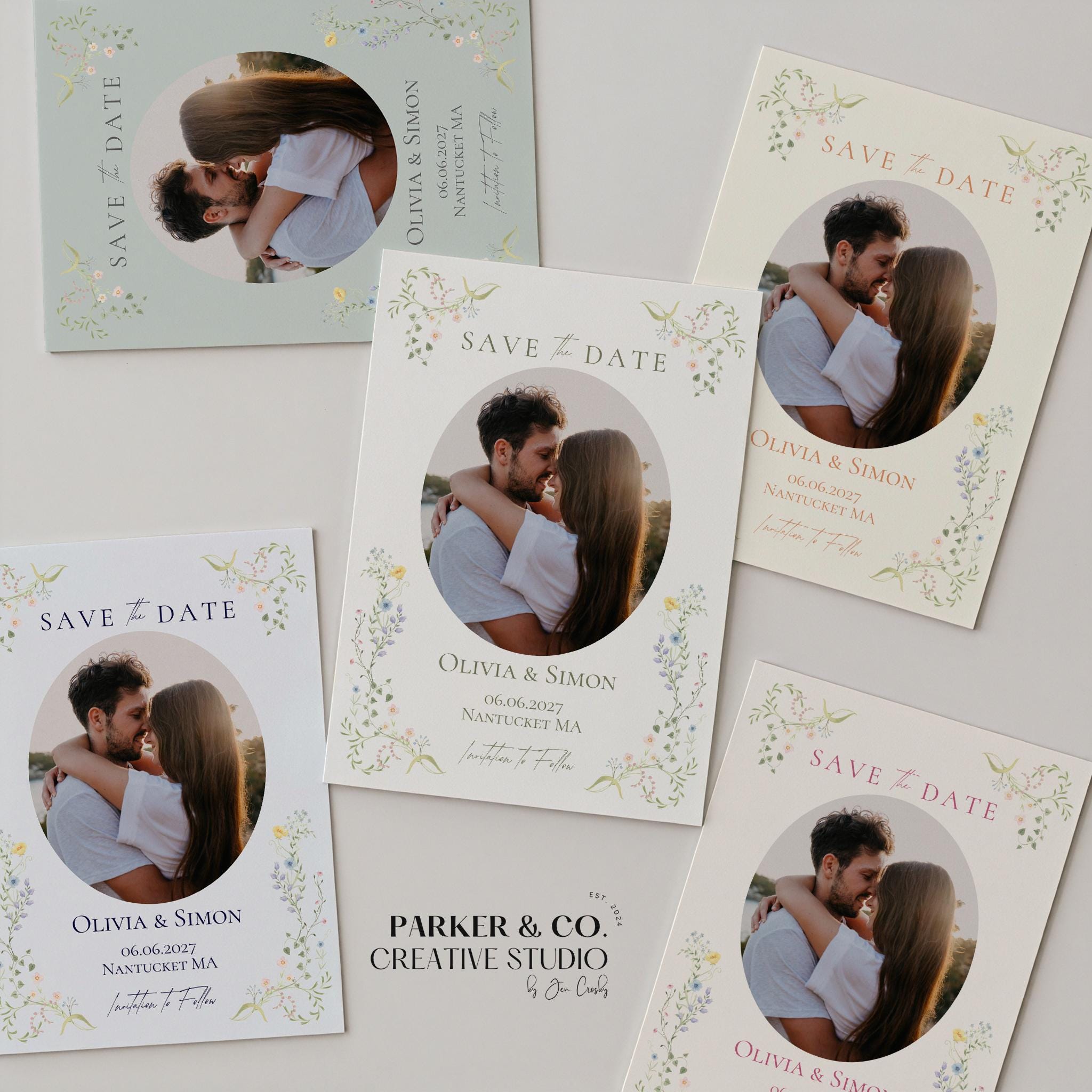
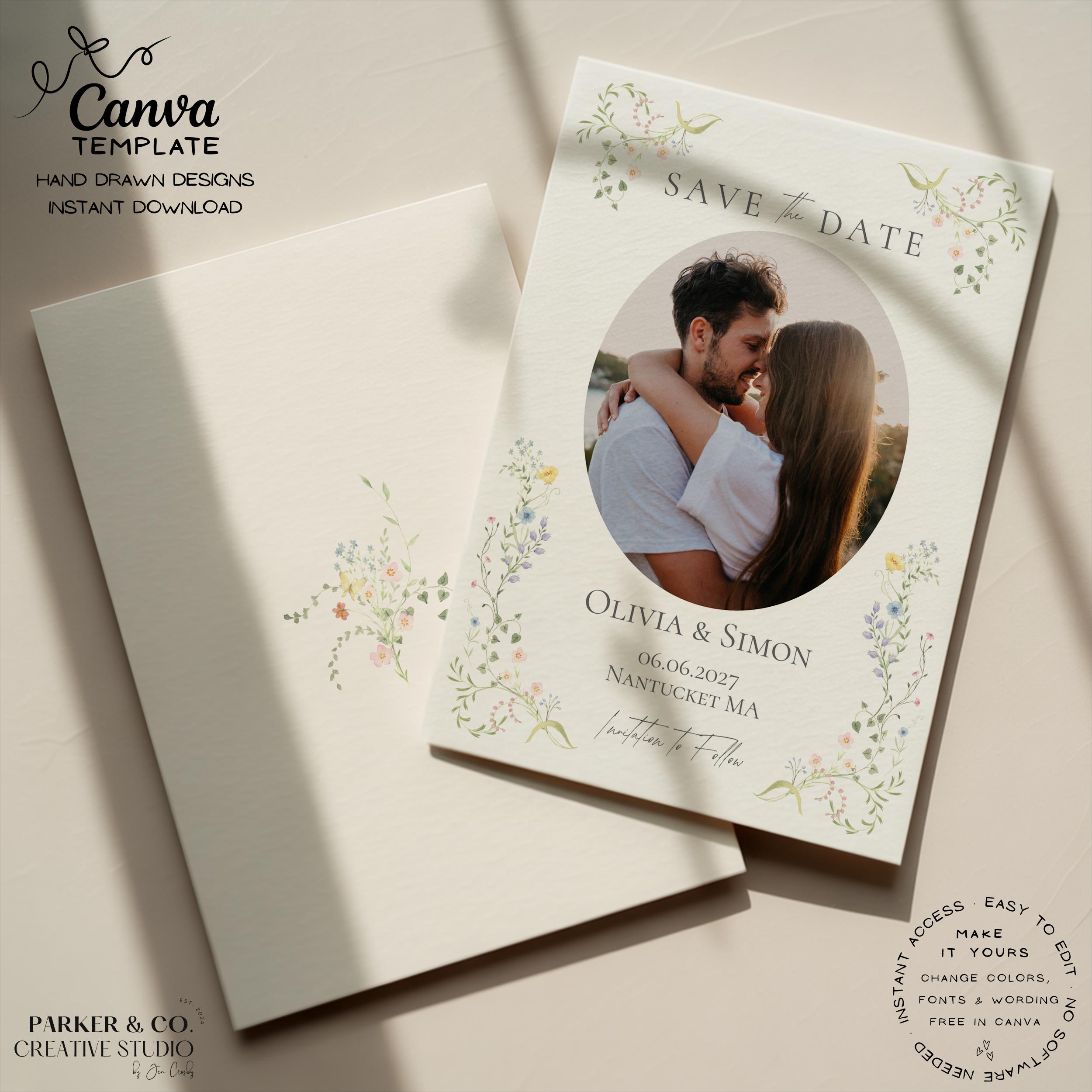
Celebrate your engagement with this editable floral photo save the date template featuring delicate hand drawn wildflower illustrations, soft botanical corner details, elegant serif typography, and a romantic oval photo layout. Designed with a timeless garden-inspired aesthetic, this save the date blends whimsical floral artwork with refined modern styling to create a beautifully elegant first impression for your wedding day.
This Canva save the date template combines soft watercolor-style florals, flowing greenery, and romantic typography with an easy-to-use photo upload layout, creating the perfect design for garden weddings, countryside celebrations, spring ceremonies, and elegant destination weddings. The botanical border details beautifully frame your engagement photo while creating a timeless and sophisticated wedding stationery aesthetic.
Fully editable in Canva, you can customize all wording, fonts, colors, and upload your own engagement photo directly in Canva.
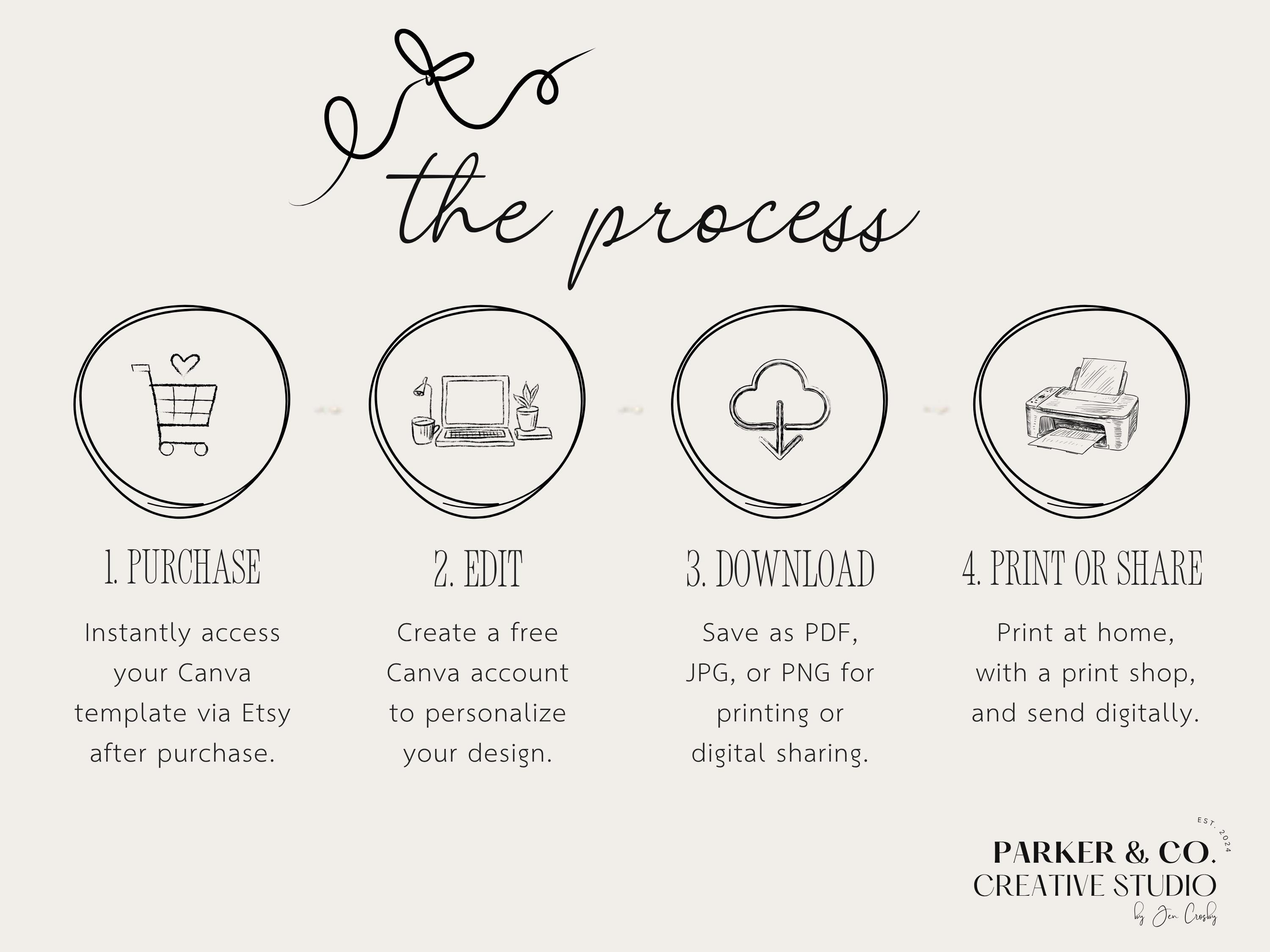
Simply edit in Canva, upload your photo instantly using Canva’s simple drag-and-drop photo feature, then print professionally or send digitally.
Prefer not to edit in Canva? I can personalize your design for you. Just add this Custom Editing Add-On:
https://parkercocreative.etsy.com/listing/4408734318
Key Features:
✨ Instant download, access immediately after purchase
✨ Fully editable in Canva, free to use
✨ Easy to customize wording, fonts, colors, and upload your own photo
✨ Simple drag-and-drop photo upload directly in Canva
✨ High-resolution PDF, JPEG, and PNG export options
✨ Perfect for printing or digital sharing
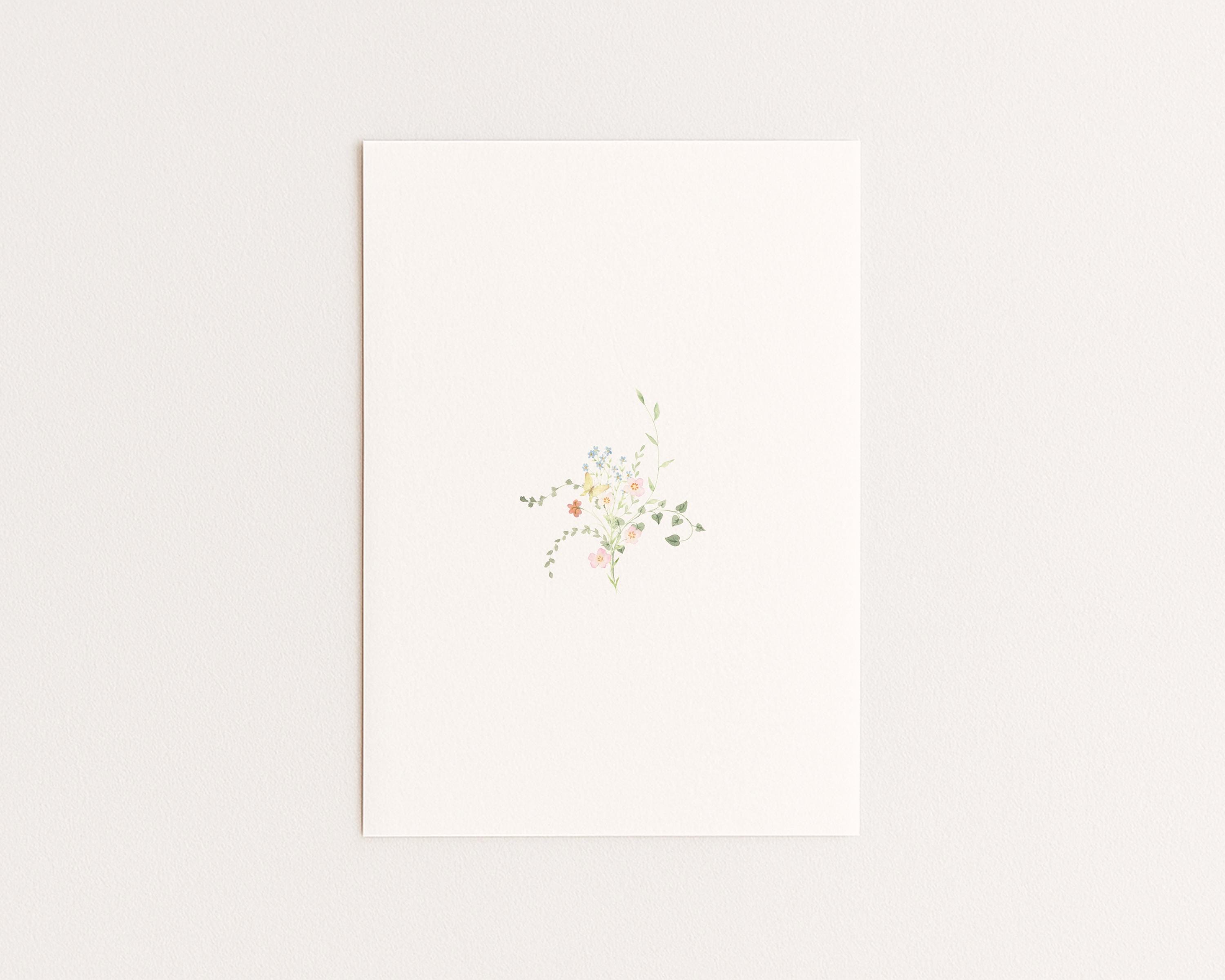
✨ Hand drawn wildflower and botanical illustrations
✨ Elegant romantic photo save the date design
Perfect For:
✨ Garden weddings
✨ Spring weddings
✨ Romantic weddings
✨ Countryside celebrations
✨ Destination weddings
✨ Elegant wedding weekends
✨ Floral wedding stationery
✨ Save the date announcements
Details:
✨ Design: Romantic save the date template featuring hand drawn wildflower illustrations, botanical corner details, elegant serif typography, and an oval photo layout.
✨ Format: Digital download. Fully editable with Canva. No physical item will be shipped.
✨ Customization: Easily edit wording, fonts, colors, and upload your own engagement photo directly in Canva.
✨ Access: Instant download link provided after purchase.
✨ Output: High-resolution PDF, JPEG, or PNG (print-ready files).
✨ Printing: Print at home or with a professional print shop. Canva also offers print services.
PRINTING NOTE
✨ This template is preset to 5 × 7 inches.
✨ Please note that Canva’s print service may not offer 5 × 7 invitations as a standard size in all regions and may default to A6 sizing instead.
✨ To ensure your invitation prints at the correct 5 × 7 size, download your file as a PDF Print and upload it to a local print shop or online printer that supports 5 × 7 printing.
✨ If you have Canva Pro, you can also easily resize the template directly within Canva.
✨ If you do not have Canva Pro and require a different size, I’m always happy to assist with resizing your template.
IMPORTANT NOTICE
Colors may appear differently depending on your monitor or device. Be sure to do a print test before finalizing your print to ensure you are completely satisfied with the colors.
TERMS & CONDITIONS
By placing your order, you accept the following terms:
All designs are strictly for Personal use only. They cannot be used for commercial purposes, resold, distributed, or shared.
Should you need any assistance please don't hesitate to reach out.
Digital downloads
Your files will be available to download once payment is confirmed.
Frequently Asked Questions
How do I access my download?
After purchase, you’ll receive an instant download link via Etsy. Open the PDF file included with your order—it contains a link to your Canva template.
Do I need Canva Pro?
No! All templates work perfectly with Canva Free. You can sign up for a free account in just a few clicks if you don’t already have one.
What can I edit in the template?
You can edit all text (font, color, size, spacing), move or remove elements, change background colors, and even upload your own images. Some hand-drawn illustrations are not editable to preserve the design’s integrity.
How can I print my design?
You can:
– Download a PDF to print at home or with a print shop
– Order directly through Canva Print
– Download a JPEG or PNG to send digitally via email or text
Can you customize the template for me?
Templates are designed for easy DIY editing in Canva. However, if you need a quick tweak or run into trouble, send me a message — I’m happy to help where I can!
Can I use this for commercial purposes?
No, all designs are for personal use only. They may not be resold, redistributed, or used commercially in any form.
What if I need help with my order?
Please feel free to message me anytime through Etsy. I usually respond within 24 hours and am happy to help however I can.
I purchased a digital file but have not received my download. Where can I find it?
Once your payment is confirmed, your files will be available to download from your Etsy account. Etsy also sends an email with the download link to the address you used at checkout. If you do not see it, please check your spam or junk folder.
You can always access your files anytime by logging in to Etsy and going to:
Your Account→Purchases & Reviews→Download Files
A couple of important notes:
Downloads are not available through the Etsy mobile app. Please use a web browser on your phone, tablet, or computer.
If you checked out as a guest, Etsy will email you a link to your files. Be sure to search your inbox for an email from transaction@etsy.com.
If you still cannot locate your files, please send me a message.